2026-04-11 19:44 Tags:Technical Literacy
The /init Command
When you first start Claude in a new project, run the /init command. This tells Claude to analyze your entire codebase and understand:
- The project’s purpose and architecture
- Important commands and critical files
- Coding patterns and structure
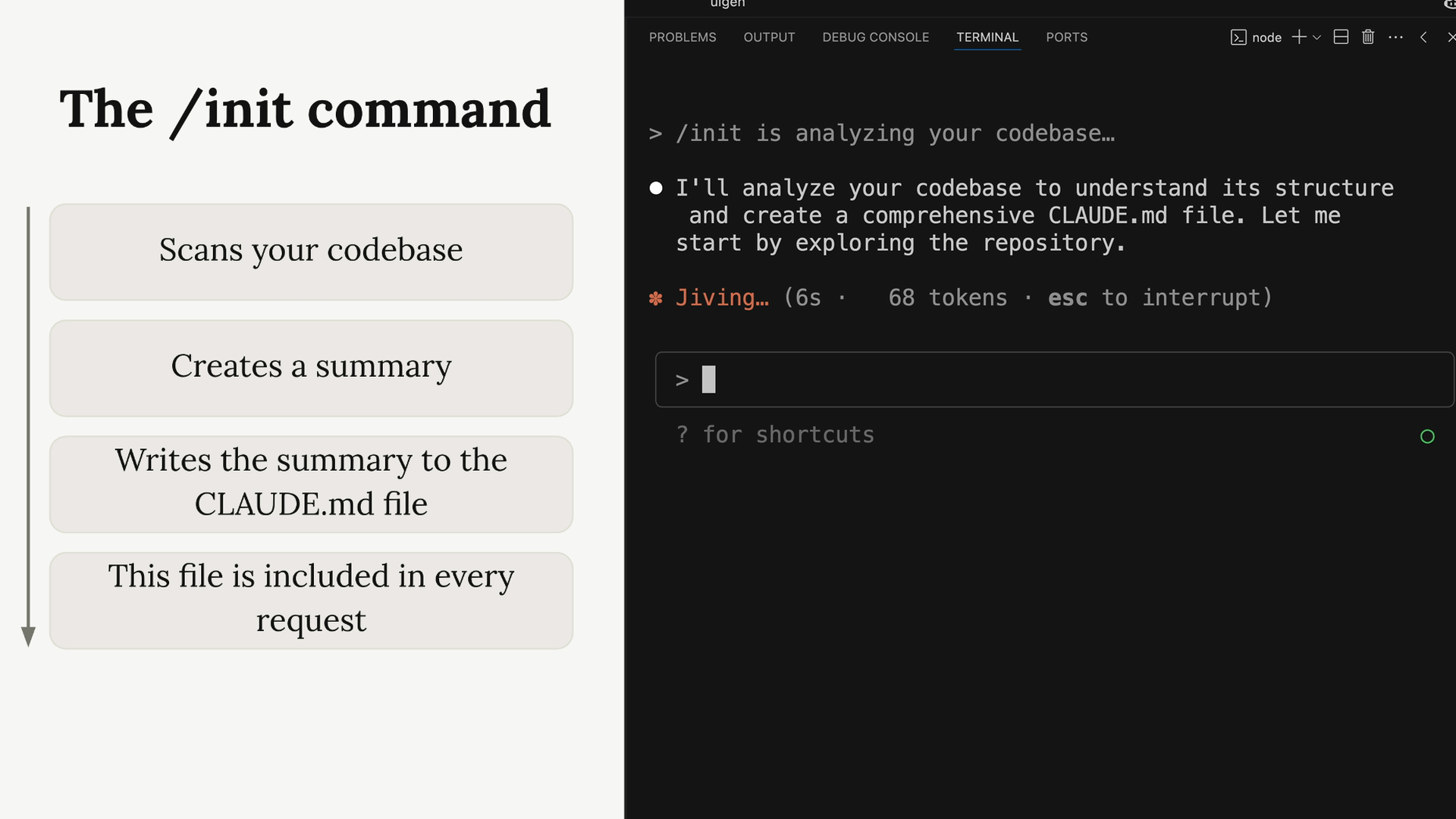
After analyzing your code, Claude creates a summary and writes it to a CLAUDE.md file. When Claude asks for permission to create this file, you can either hit Enter to approve each write operation, or press Shift+Tab to let Claude write files freely throughout your session.
The CLAUDE.md File
The CLAUDE.md file serves two main purposes:
- Guides Claude through your codebase, pointing out important commands, architecture, and coding style
- Allows you to give Claude specific or custom directions
This file gets included in every request you make to Claude, so it’s like having a persistent system prompt for your project.
CLAUDE.md File Locations
Claude recognizes three different CLAUDE.md files in three common locations:
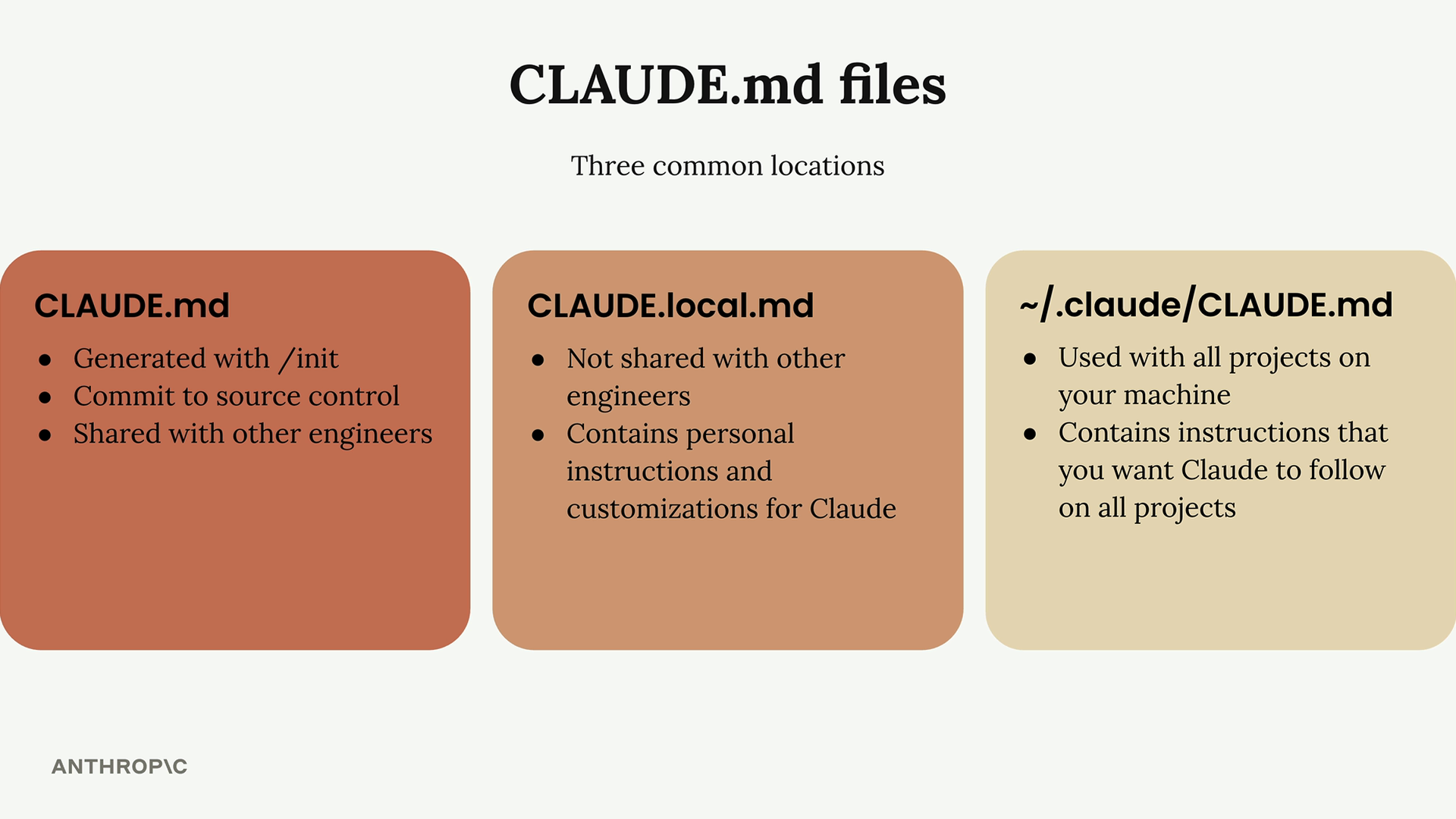
- CLAUDE.md - Generated with /init, committed to source control, shared with other engineers
- CLAUDE.local.md - Not shared with other engineers, contains personal instructions and customizations for Claude
- ~/.claude/CLAUDE.md - Used with all projects on your machine, contains instructions that you want Claude to follow on all projects
Adding Custom Instructions
You can customize how Claude behaves by adding instructions to your CLAUDE.md file. For example, if Claude is adding too many comments to code, you can address this by updating the file.
Use the # command to enter “memory mode” - this lets you edit your CLAUDE.md files intelligently. Just type something like:
# Use comments sparingly. Only comment complex code.
Claude will merge this instruction into your CLAUDE.md file automatically.
File Mentions with ’@‘
When you need Claude to look at specific files, use the @ symbol followed by the file path. This automatically includes that file’s contents in your request to Claude.
For example, if you want to ask about your authentication system and you know the relevant files, you can type:
How does the auth system work? @auth
Claude will show you a list of auth-related files to choose from, then include the selected file in your conversation.
Referencing Files in CLAUDE.md
You can also mention files directly in your CLAUDE.md file using the same @ syntax. This is particularly useful for files that are relevant to many aspects of your project.
For example, if you have a database schema file that defines your data structure, you might add this to your CLAUDE.md:
The database schema is defined in the @prisma/schema.prisma file. Reference it anytime you need to understand the structure of data stored in the database.
When you mention a file this way, its contents are automatically included in every request, so Claude can answer questions about your data structure immediately without having to search for and read the schema file each time.